
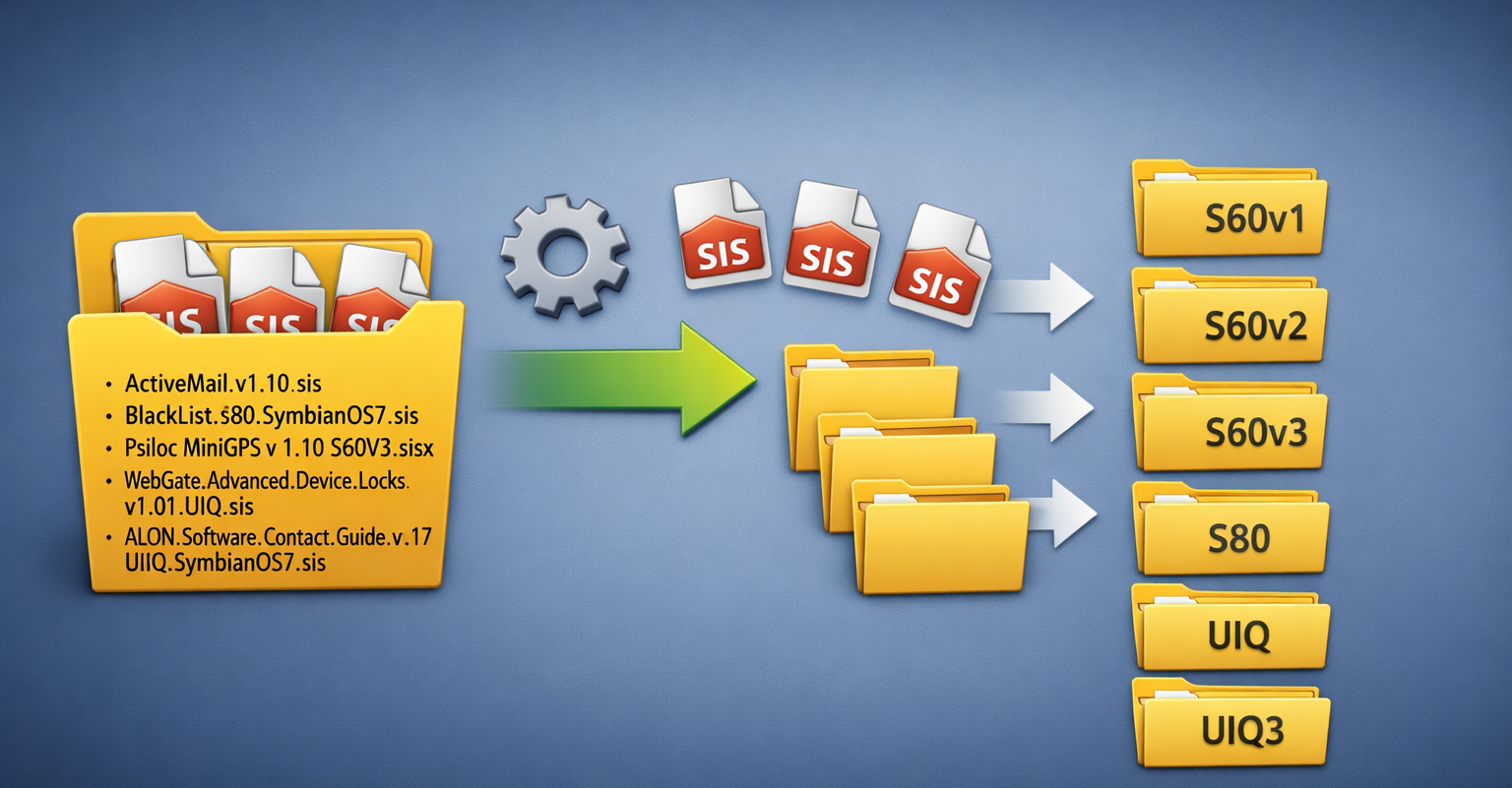
Automatically Organise Symbian SIS/SISX Files
Ever found yourself wondering whether a Symbian SIS/SISX app is compatible with the device you’re trying to install it on? Or maybe you have a large folder packed with mixed SIS/SISX files for different Symbian UI platforms and absolutely no time to sort them manually?
Good news — that headache is officially gone.
I’ve created a simple script that automatically organises Symbian application files into folders based on their UI platform. No guesswork, no manual sorting.
How to Use the Script
Getting started takes just a few minutes:
Download the latest script release from GitHub and unzip it to your Desktop SymbianSisFilesOrganiser
Open Windows Command Prompt
(PressWindows + R, typecmd, and hit Enter)Navigate to your Desktop by typing:
Run the script by typing:
and press Enter
Sit back and watch the magic happen ✨
Available Script Options
The script includes several handy options to fit different workflows:
-i
Info mode — shows where files would be moved without actually copying or moving anything (perfect for testing).-mv
Move mode — moves files instead of copying them.-combinePlatform
Platform merging — groups similar platforms into a single folder.
For example:
Series 60 v2.0, S60 2nd Edition FP1, and S60 2nd Edition FP2 will all be combined into one S60v2 folder.
Bonus Features
The script doesn’t stop at plain SIS/SISX files.
It will also:
Automatically extract archives, including nested archives
Detect and process the first SIS file found
Copy or move the archive itself into the correct platform folder once identified
Note: Archive handling works best if WinRAR is installed on your system.



